Most small businesses in India get more orders through WhatsApp than through Instagram, and yet almost nobody uses WhatsApp Status deliberately. It sits there, seen by every customer who has ever saved your number, and gets used for forwarded good-morning images.
It is the most valuable free channel a small shop has, for one reason: the people who see it have already chosen to save your number. That is a warmer audience than any follower list.
Why Status works differently
Instagram shows your post to a fraction of your followers, chosen by an algorithm. WhatsApp Status shows it to everyone in your contacts who opens the tab, in order, with no ranking in between. There is no reach to fight for.
The trade-off is that it disappears in 24 hours. So the rhythm is different: shorter, more frequent, more ordinary.
What to actually post
A workable week looks like this, and none of it needs design skill:
- What’s available today. A photo of what came out of the oven, what’s just been stocked, what’s fresh.
- One thing being made. Process shots do unreasonably well because they’re the part customers never see.
- A question you’re asked constantly. Opening hours, whether you deliver, whether something can be ordered in.
- The offer, once. Not every day. Once, with the deadline.
- A reminder on the last day. Short. “Last day for weekend orders — message before 6.”
Five posts across a week is plenty. Daily is fine if you have something real to show; forced posting is how people mute you.
The prompt for Status specifically
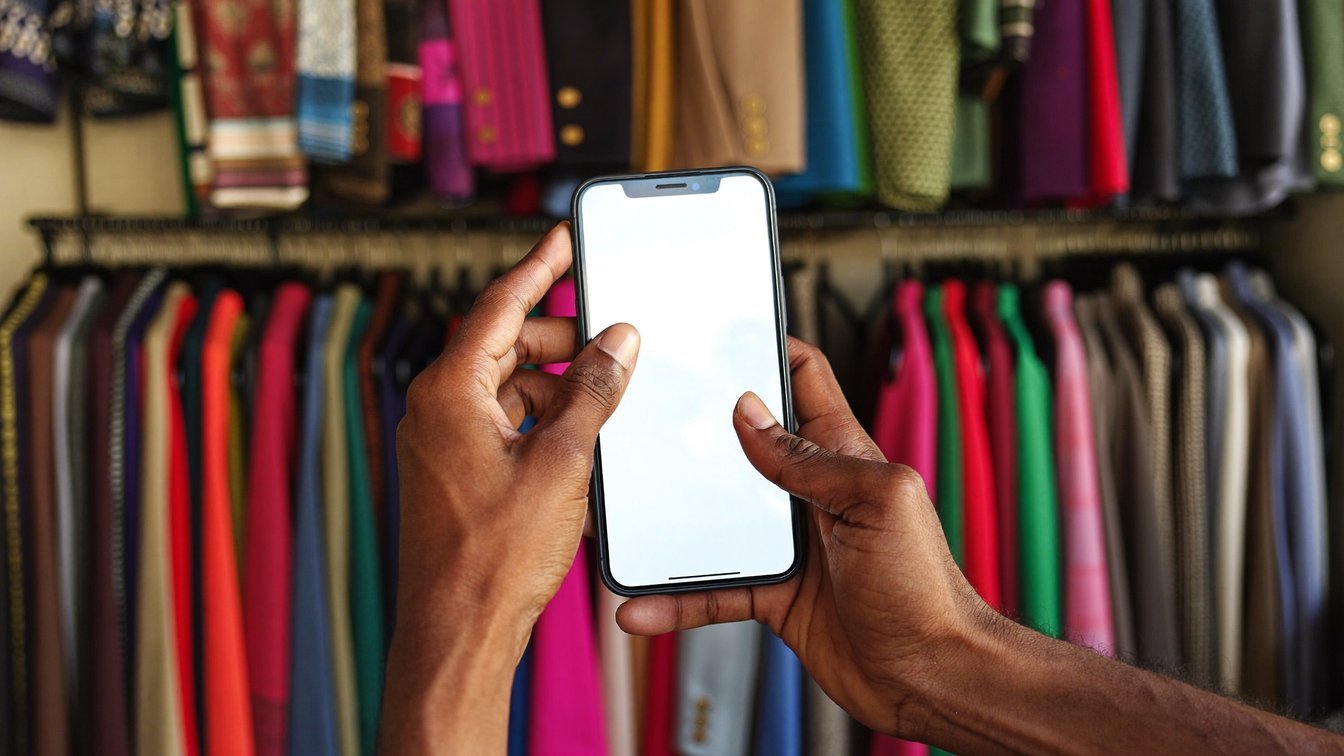
Status is vertical, read fast, and usually on a phone held one-handed. Ask for that explicitly:
Write a WhatsApp Status update for [BUSINESS NAME], a [TYPE] in [AREA].
Today we have: [WHAT].
Price: [PRICE]. Available until: [WHEN].
Tone: plain and friendly, like a message to a regular customer. Not marketing language.
Keep it under 20 words — it has to be readable in two seconds.
End with: message us to order.
Do not invent any price, discount or claim I have not given you.
The word limit is the important part. An Instagram caption that runs four lines is fine. The same text on a Status is a wall nobody reads.
Making the image vertical
If you’re generating a graphic rather than using a photo, ask in the same conversation:
Now make this as a vertical 9:16 image for WhatsApp Status. Same colours, same offer. Keep all the text in the middle third — the top and bottom get covered by the interface.
That last instruction saves most of the mistakes. Text placed near the edges gets hidden behind the sender name and the reply box.
One honest limit
Status only reaches people who already have your number saved. It will not find you new customers on its own — it keeps the ones you have from forgetting you exist, which is a smaller claim but a genuinely useful one. Pair it with whatever you do to meet new people, rather than treating it as a growth channel.
Where to start
Take a photo of what you’re selling today. Run the prompt above. Post it. That’s the whole thing, and it takes about two minutes once your business details are written down somewhere you can paste from.
Writing those business details once — so you never retype them — is the first thing the course covers. Thirteen videos, thirty-seven minutes, with a worked example from a home bakery. The first chapter is free to watch, no sign-up needed.