
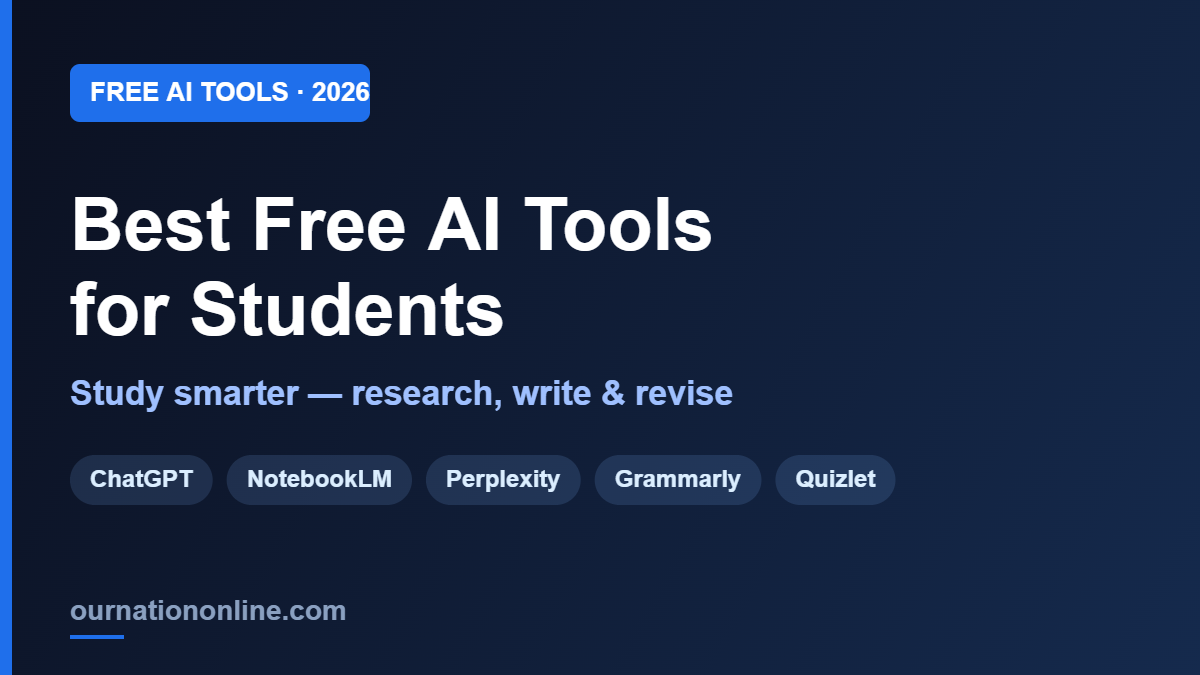
You don’t need a paid subscription to get real help from AI. In 2026, some of the most powerful study tools on the planet have generous free tiers — enough to research faster, understand hard topics, write better, and revise smarter without spending a rupee. The trick is knowing which tool to use for which job.
Here’s a practical, no-fluff guide to the best free AI tools for students in 2026, grouped by what you actually need them for. Try a few, keep the ones that fit how you study.
1. For understanding tough topics: ChatGPT & Claude
Both ChatGPT and Claude have free tiers that are more than enough for everyday study. Ask them to explain a concept “like I’m 15,” break a complex chapter into simple points, or quiz you before an exam. Claude’s free tier is especially good for longer essays and clear step-by-step explanations, while ChatGPT is a great all-rounder for writing, ideas, and quick answers.
Tip: Don’t just ask “explain photosynthesis.” Ask “explain photosynthesis in 5 simple steps with one real-life example, then give me 3 quiz questions.” The more specific you are, the better the answer.
2. For studying from your own notes: NotebookLM
This is the one most students haven’t discovered yet. Google NotebookLM is free, and it lets you upload your own material — lecture PDFs, NCERT chapters, handwritten notes, even YouTube lectures — and turns them into a personal AI tutor. You can ask “summarize Chapter 4,” “explain this theory simply,” or even generate flashcards and audio summaries from your syllabus.
Because it only answers from your uploaded sources, it doesn’t make things up the way general chatbots sometimes do. We wrote a full walkthrough here: How to Use NotebookLM to Study for Any Exam.
3. For research with real sources: Perplexity
Perplexity AI is an “answer engine” — you ask a question, it searches the web, and returns a clear answer with links to every source it used. For assignments and projects where you need to cite where information came from, this is far safer than a normal chatbot. Free to use, and the citations save hours.
4. For writing and grammar: QuillBot & Grammarly
Grammarly’s free plan catches spelling and grammar mistakes as you type. QuillBot’s free tier handles the rest of everyday writing work — paraphrasing to improve clarity, summarizing long texts, and building citations in the correct format (APA, MLA, etc.). Use them to polish essays and assignments, not to write them for you.
5. For maths and science: Wolfram Alpha
When ChatGPT struggles with tricky calculations, Wolfram Alpha shines. It solves equations, plots graphs, and — most usefully — shows step-by-step solutions for maths, physics, and chemistry problems. A lot of its core features are free and it’s a lifesaver during problem-set season.
6. For flashcards and revision: Quizlet AI
Quizlet now uses AI to turn your notes into flashcards, practice tests, and study sets automatically. Instead of spending an evening making flashcards by hand, you paste your material and let it build them. Great for last-minute revision and memorising definitions, dates, and formulas.
7. For presentations: Gamma
Need a presentation by tomorrow? Gamma generates a full, good-looking slide deck from a topic or a few bullet points in seconds, which you can then edit. Perfect for class projects and seminars when you’re short on time and design skills.
How to use these tools the right way
AI is a study partner, not a shortcut around learning. A few ground rules that keep you on the right side of your teachers — and actually help you learn:
- Use it to understand, not to copy. Ask AI to explain, then write the answer in your own words.
- Always double-check facts. Free chatbots can be confidently wrong — verify important facts with a real source (Perplexity’s citations help here).
- Never submit AI text as-is. Many schools and colleges now check for it, and more importantly, you won’t learn.
- Combine tools. Research with Perplexity, understand with ChatGPT/Claude, revise from your own notes with NotebookLM, polish with Grammarly.
Frequently asked questions
Are these AI tools really free for students?
Yes. Every tool above has a free tier that covers most student needs. Some offer student discounts or extra features on paid plans, but you can do a lot without paying.
Which is the single best free AI tool for students?
If you pick one, make it NotebookLM for studying from your own syllabus, or ChatGPT/Claude for general help. Most students end up using two or three together.
Is using AI for studying considered cheating?
Using it to understand concepts, plan, and revise is fine and encouraged. Submitting AI-written work as your own is where it crosses the line. Check your institution’s policy.
The bottom line
You don’t need an expensive subscription to study smarter in 2026 — you need the right free tools for the right jobs. Start with NotebookLM for your own notes, Perplexity for cited research, ChatGPT or Claude for understanding, and Grammarly + QuillBot for writing. Add Wolfram Alpha, Quizlet, and Gamma as needed, and you’ve got a complete AI study kit — for free.
Want to go deeper on any one tool? Start with our step-by-step NotebookLM exam guide, and if you’re choosing between chatbots, see our breakdown of which ChatGPT model to use. Once you outgrow the free tiers, our ChatGPT vs Claude vs Gemini vs Perplexity comparison breaks down which paid plan is actually worth it.
Which free AI tool has helped your studies the most? Tell us in the comments, and subscribe to ournationonline for more practical AI guides.




Pingback: Introducing Market Your Business With AI: A 37-Minute Course for Small Business Owners - ournationonline